Discord — AIでサーバー診断・チャンネルとロールの設計図・ルール・ビジュアルを作成を今すぐお試しください(登録不要)
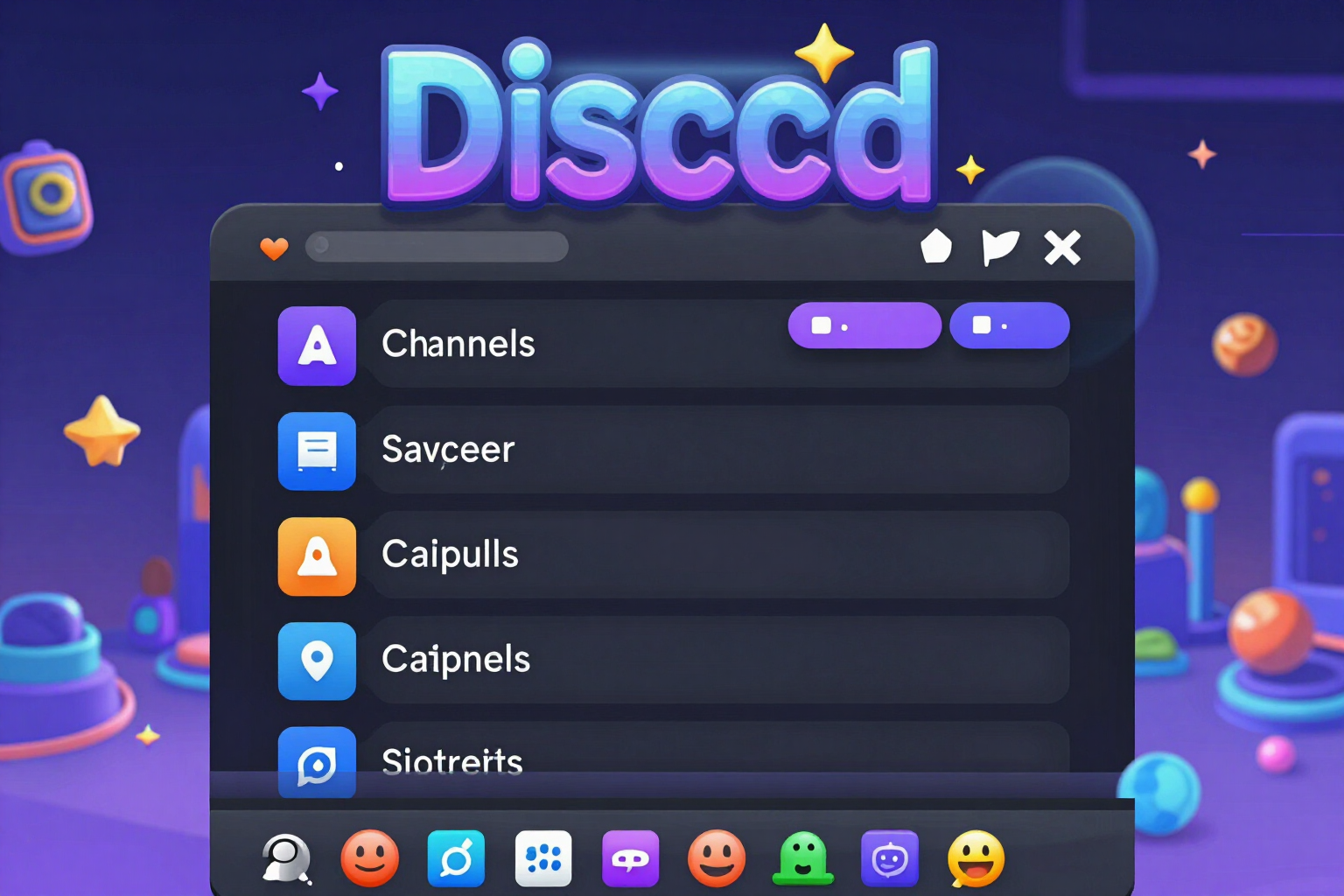
Discord — AIでサーバー診断・チャンネルとロールの設計図・ルール・ビジュアルを作成 · 最初のチャンネルを作る前に、Discordサーバーのすべてを決める
Discordサーバーをこれから立ち上げる方、立て直したい方で、真っ白なキャンバスを前に手が止まってしまう方へ。招待リンクを貼るだけで、アプリがサーバーの実際の公開データを読み取り、0〜100点で採点して、足りない点を教えます。その後、カテゴリ、チャンネル、ロール、権限、ルール、オンボーディング、アイコン、バナー、絵文字まで揃ったサーバー一式と、手作業で再現できるステップごとのチェックリストをお渡しします。アカウント不要、ボット不要、サーバーへの権限付与も不要です。
AIを使う機能では、回答はAIが生成したものであり、専門家の助言に代わるものではありません。

How many turns have you burned sliding the striker along the base line to see if the angle finally shows up?
In carrom the shot doesn't start where the disc landed: it starts where YOU decide to place the striker. And that's the problem no guide solves, because they all tell you where to aim from where you already are. This app flips the question: it sweeps every legal position on your base line and gives you back the bands that make the shot possible, the best placement position and its width in millimetres of board —because what you train is the window, not a point, and that's the only thing that survives a finger on a six-inch screen—. On top of that it draws the ghost striker and the contact point, gives you the cut angle and the fraction of disc you'll see, names the disc blocking each stretch along with its clearance, and warns you when the striker is going to follow the disc into your own pocket, the Due that makes you hand back a piece you'd already won: the risk is published as a ±8° cone, not as a thin straight line, and the fix is one tap that shifts the placement by just the right millimetres. Where there's no direct shot you get the 1 and 2 rails, the back shot, discs stuck to the rail with three strategies and the Queen plan, which decides whether it's worth going for her and which disc you cover her with afterwards. The measurements are the tournament board's, not rough proportions, and every number that's an estimate comes with its seal and its margin in plain sight. And the line we don't cross: this is not an aim bot. It doesn't overlay the game, doesn't read your screen, doesn't work during the match and doesn't aim for you. It's a whiteboard to train before and after you play.
ツールを見る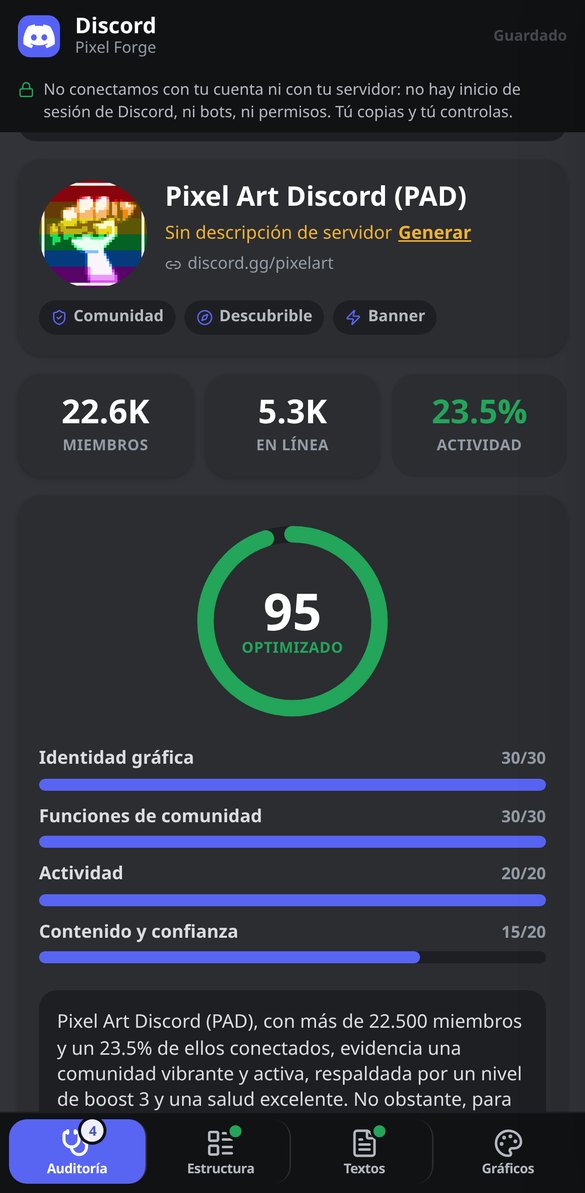
各機能を詳しく見る
招待リンクでDiscordサーバーを監査(無料、ボット不要)
discord.ggを貼り付けて、サーバーの公開データを確認:名前、アイコン、説明、メンバー数、現在のオンライン人数、有効な機能、ブーストレベル。アカウントもボットも不要です。
無料で試す
Discordのチャンネルとカテゴリーのテンプレート:完全な構成を無料で
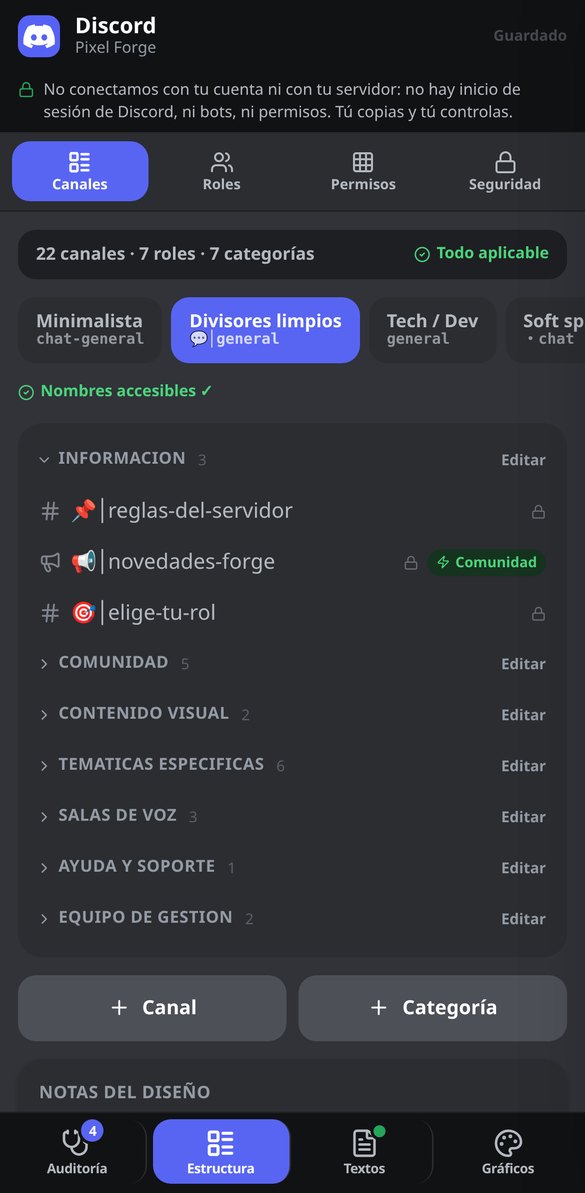
Discordサーバーの完全な構成を生成:順序立てた4〜7のカテゴリーと、テキスト、アナウンス、ボイス、フォーラム、ステージの各チャンネル(名前、絵文字、説明、スローモード付き)。編集可能でボット不要。
無料で試す
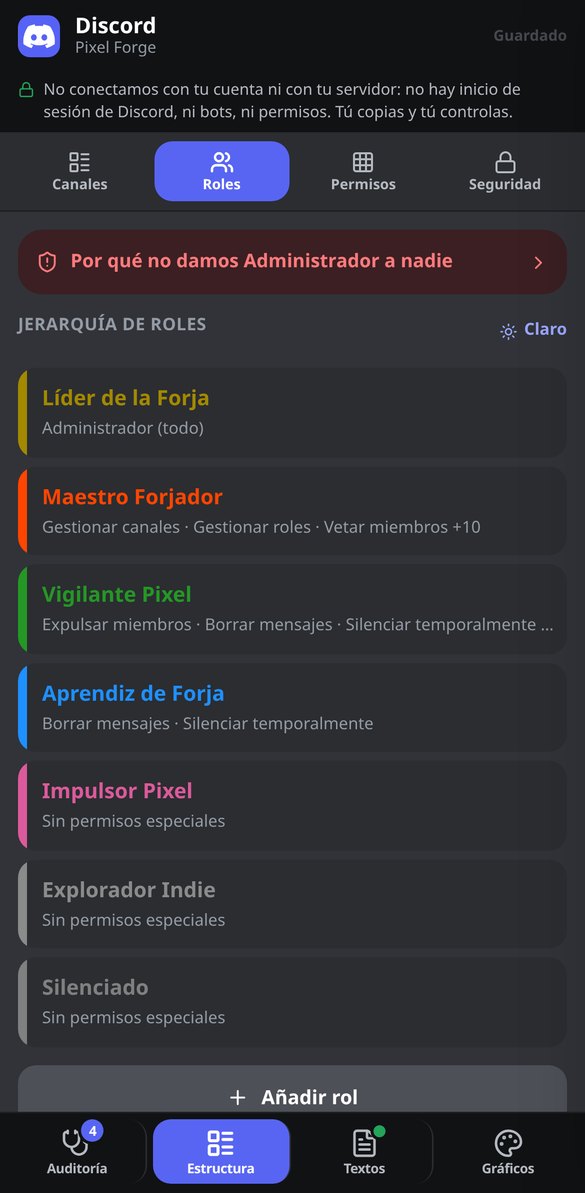
カテゴリー別のDiscord権限:ロールのマトリクスと@everyoneの保護
Discordサーバーのロール×カテゴリーの権限表と、安全な@everyone設定を生成。各スイッチの結果の説明とコピーできるリスト付き。無料、ボットもトークンも不要。
無料で試す
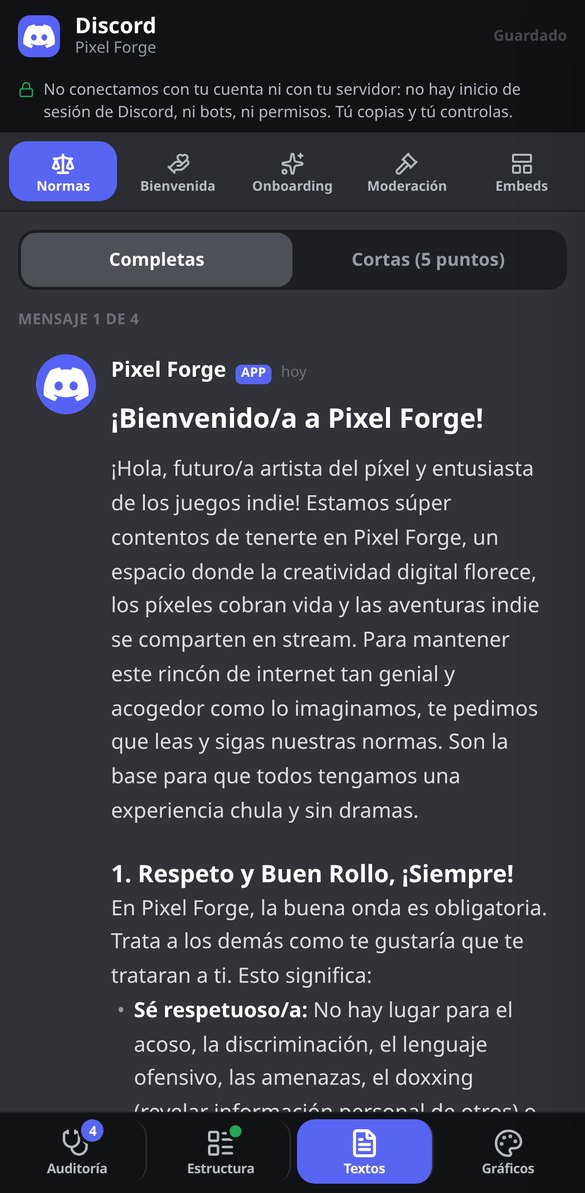
Discordサーバーのルール:そのまま貼れるMarkdownテンプレート
Discordサーバーの完全なルールをMarkdownで生成:必須条項、2,000文字のメッセージに分割、ブロックごとのコピー付き。5項目の短縮版あり。無料、ボット不要。
無料で試す
Discordオンボーディング:質問、ロール、チャンネルをコピーして設定
Discordのネイティブなオンボーディングを設計:ロールとチャンネルを割り当てる3〜5問、デフォルトチャンネル、サーバーガイド、先に作るロール。質問ごとにコピーできます。無料、ボット不要。
無料で試す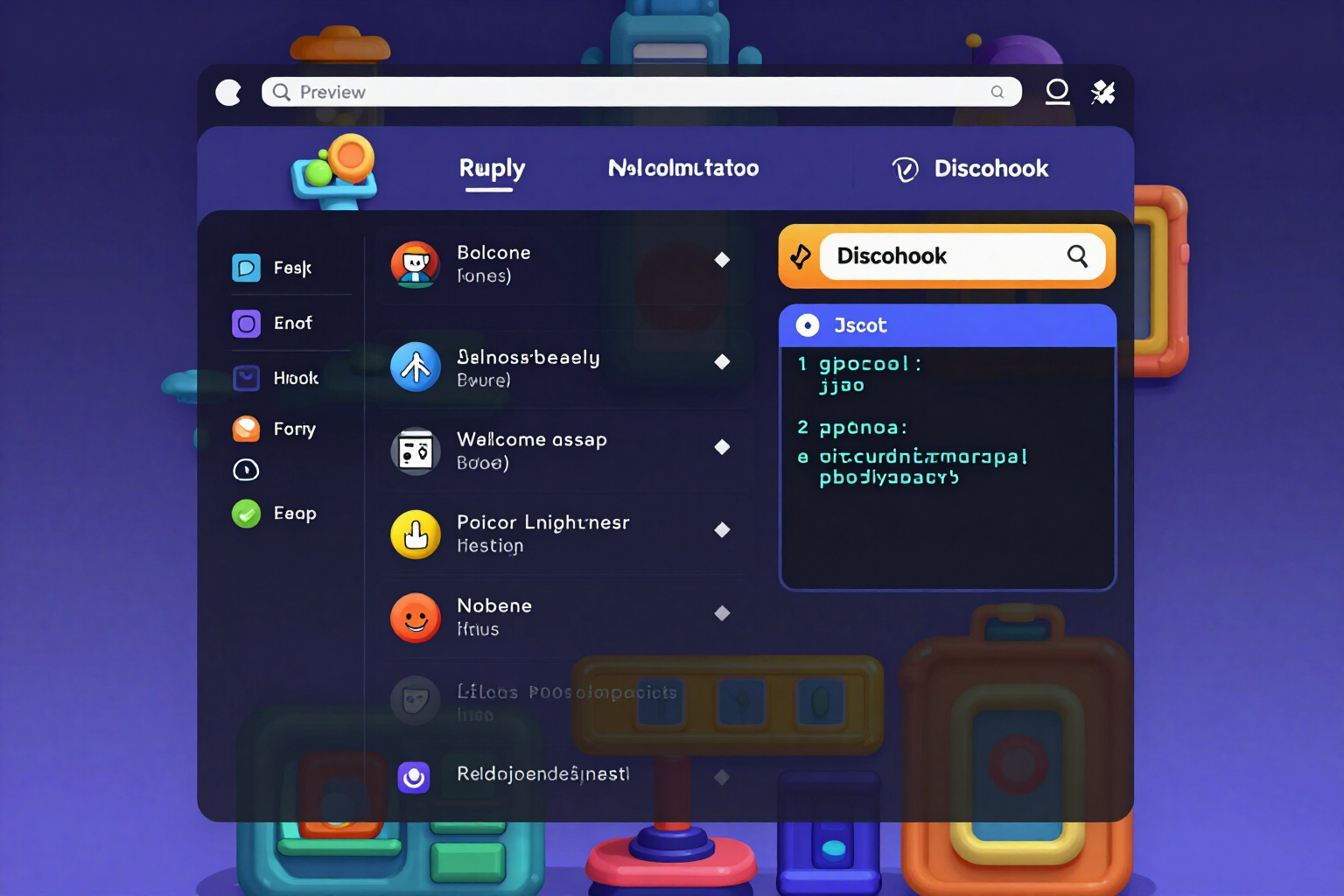
Discord embedビルダー:ライブプレビューとWebhook用JSON
ライブプレビュー、実際の制限(25フィールド、6,000文字)の検証、Webhook、ボット、Discohookですぐ使えるJSON付きで、Discordのembedを作成。無料、ボット不要。
無料で試す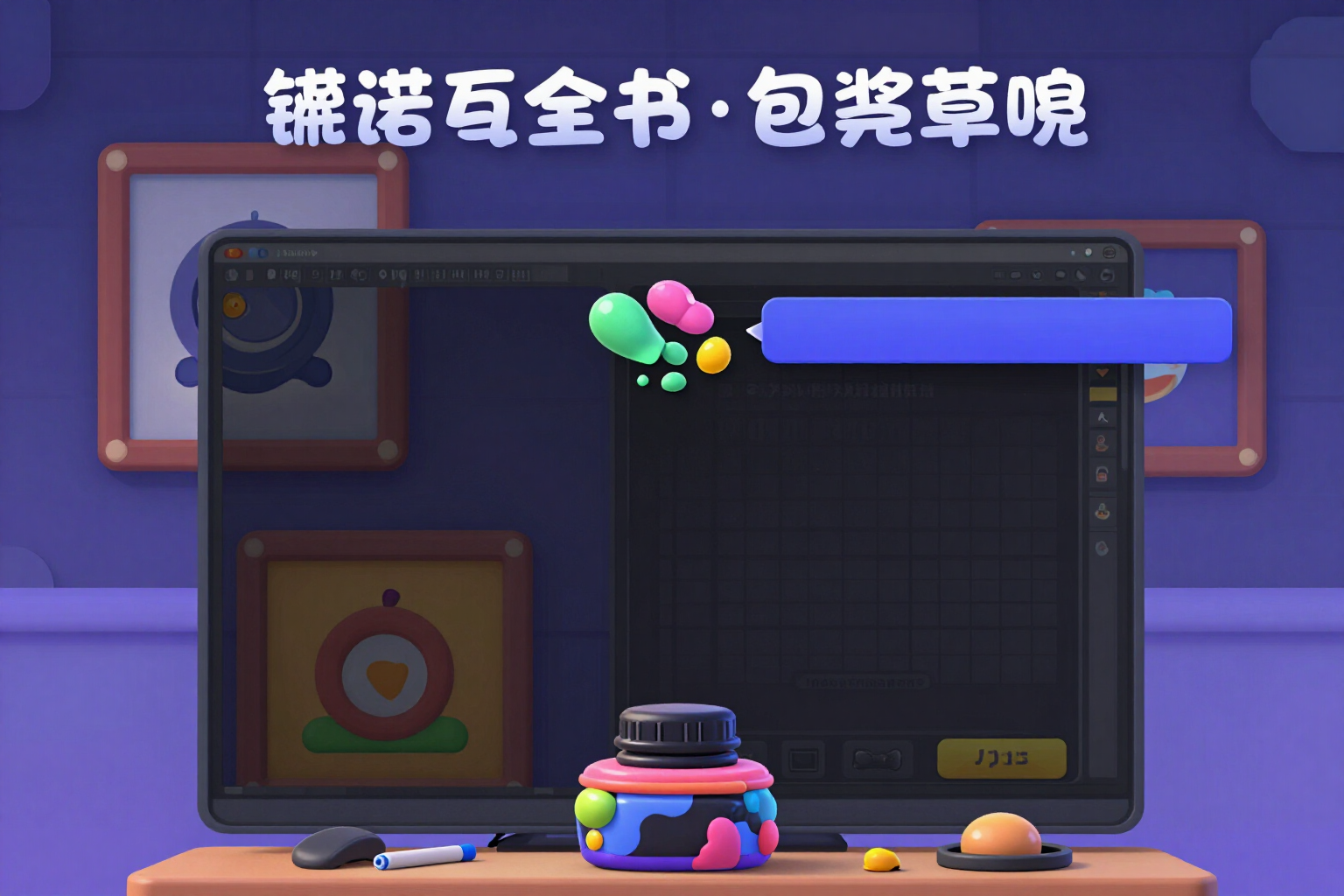
Discordのアイコン、バナー、招待の背景画像をAIで作成
Discordサーバー用の512×512のアイコン、960×540のバナー、1920×1080の招待の背景画像を、同じコンセプトと同じパレットで生成し、実寸でプレビューします。
無料で試す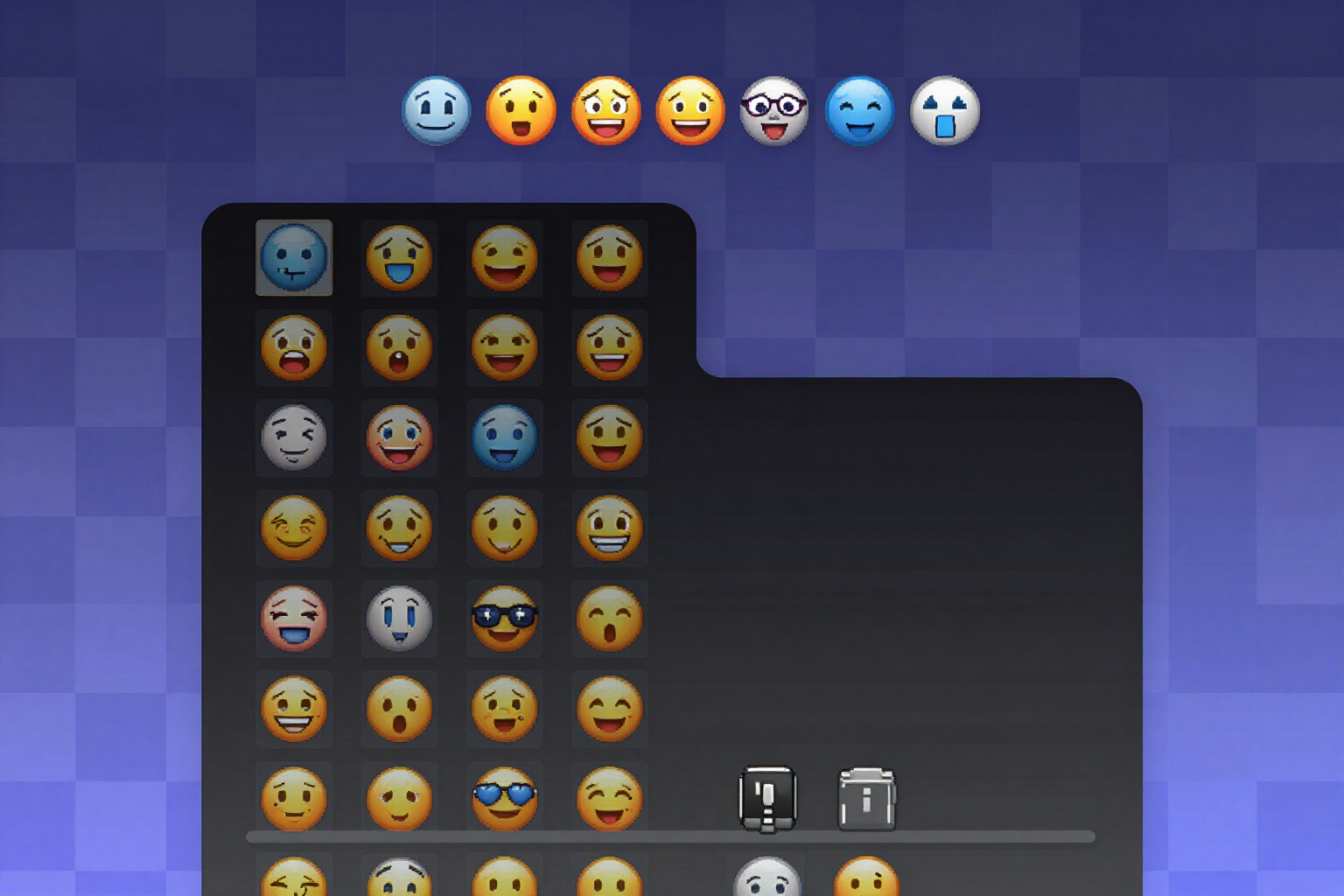
Discordのカスタム絵文字を透過背景で作成(PNG 128×128)
Discordサーバー用の8〜12個の絵文字パックを、本物の透過を持つ128×128のPNGで生成します。明るい背景、暗い背景、市松模様の背景で確認でき、ファイルは絵文字の名前が付いた状態で届きます。
無料で試すおしゃれなテンプレートではなく、そのまま使えるサーバー
The board is square, with four pockets in the corners, and the discs are flat: they don't roll and they don't come back, so there's no spin here and no phantom cue-ball. While you drag, the board recalculates the shot instantly: there's no calculate button. Built for 360 px, with a slider, steppers and a magnifier so your own finger doesn't cover the shot.
招待リンクからサーバーを診断
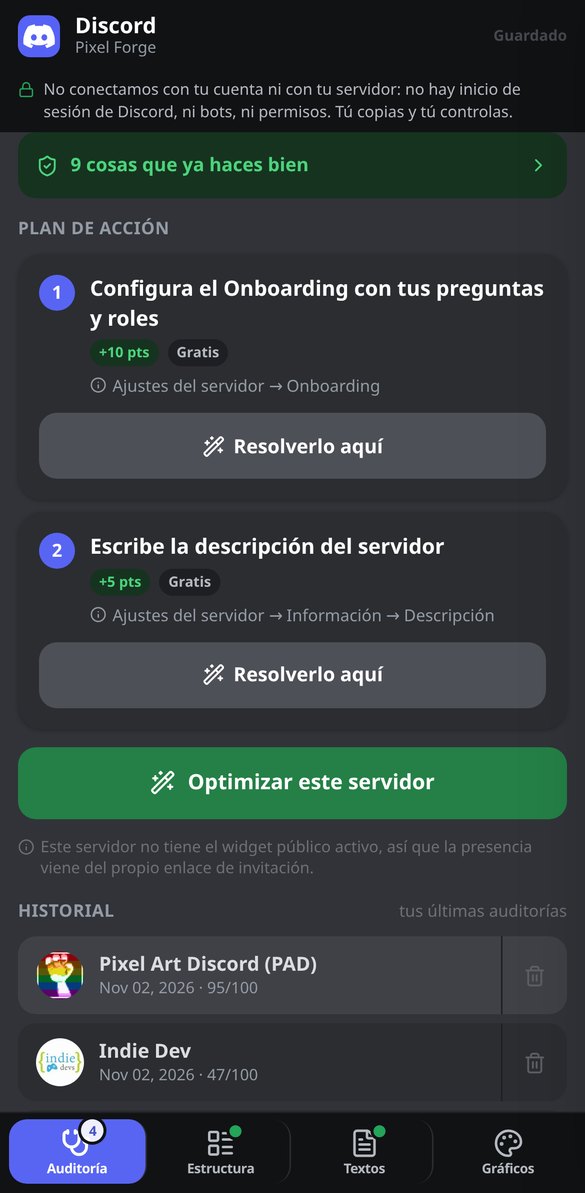
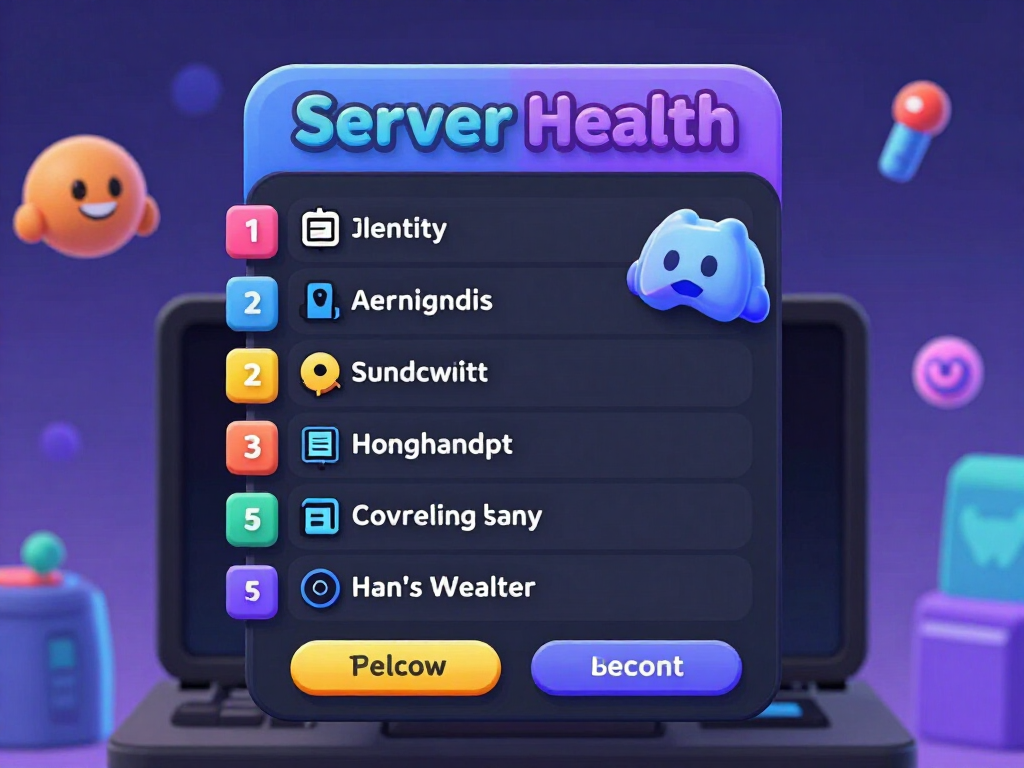
discord.gg/yourserverを貼り付けると、アプリは認証情報なしでDiscordの公開APIに問い合わせます。名前、アイコン、説明、バニティ、有効な機能、ブーストレベル、総メンバー数、現在オンラインの人数とそのアクティビティ率(パーセント)です。これをもとに、0〜100のHealth Scoreを算出します。ビジュアルアイデンティティ、コミュニティ機能、アクティビティ、コンテンツと信頼の4つのブロックに分かれ、3段階の評価(リスク、許容範囲、最適化)、項目ごとのチェックリスト、最大7つのアクションプランが付きます。アクションプランは、無料で最も効果が高いものから、ブーストが必要なものへと並べられています。公開APIでは見えないもの、つまりチャンネルとロールの内部構成は、でっち上げずに「外部からは確認できません」と表示します。これらはすべて、登録なしで利用できます。
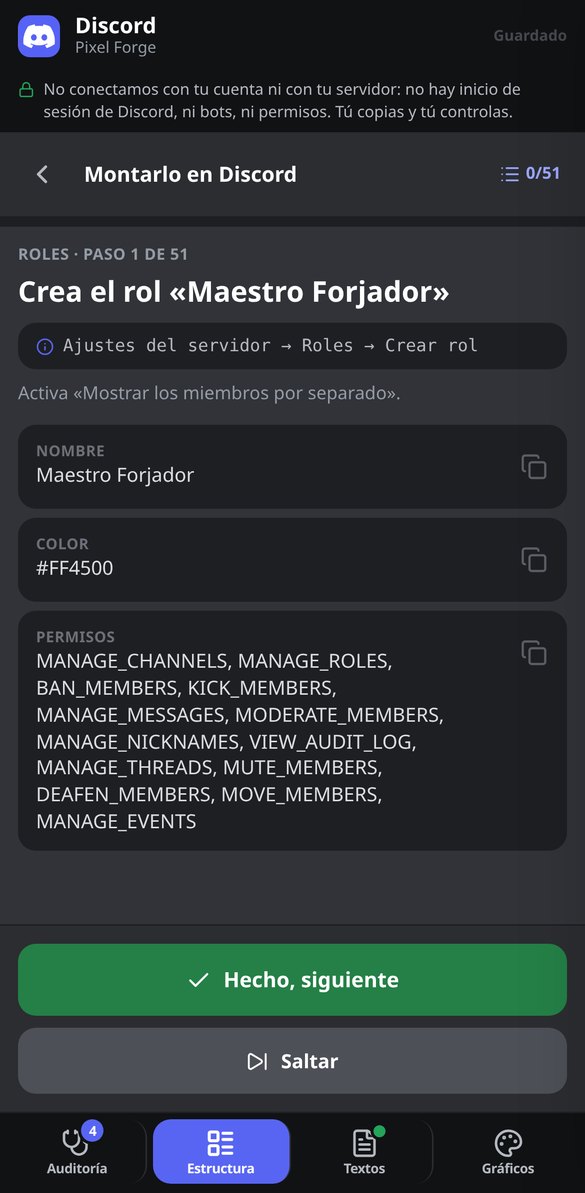
ブループリントの全体:漏れのないチャンネル、ロール、権限
4つのステップ(目的、名前とトーン、チャンネル名のスタイル、モデレーションのレベル)で、ツリー全体が完成します。テキスト、ボイス、お知らせ、フォーラム、ステージの各チャンネルを持つカテゴリ、それぞれのトピック、Discordが実際に受け付ける14の値に丸めたスローモード。階層化されたロールと、コピーできる16進数カラー。そして、カテゴリごとに管理される権限マトリクスは、上書きの設定忘れで全員に見えてしまう非公開チャンネルを防ぐものです。オーナー以外のロールにADMINISTRATORが付くことはありません。バリデーターが取り除き、回避したリスクを説明します。9つのサーバータイプ、4つのトーン、3段階のモデレーション、4つの命名スタイルから選べ、命名スタイルはツリー全体にその場で反映されます。名前は許可リストを通すため、検索やスクリーンリーダーを妨げる装飾的なUnicodeフォントは使われません。
コピー&ペーストで使えるルール、オンボーディング、埋め込み
#rulesのルールを、Discordのmarkdownで作成し、2,000文字ごとのブロックに分割しています。完全版と、5項目の短縮版があり、ダイレクトメッセージによる詐欺への対策条項も含まれています。固定のウェルカムメッセージと自動のウェルカムメッセージ、Discordが認める120文字と300文字に収めたサーバーの2種類の説明、そして処分の段階と記録形式を備えた7つのモデレーション用テンプレートもあります。さらに、ネイティブのオンボーディング一式(デフォルトのチャンネル、ロール付きの質問、サーバーガイドのタスク)と、保存できるかどうかを事前に教えてくれる8項目のチェックリスト、問題があれば修正まで行います。加えて、6つのプリセットを備えた埋め込みビルダーがあり、制限を検証しながら、JSONまたはDiscohookへ直接エクスポートできます。
白紙の状態から、構築済みのサーバーまで
Get in without signing up
It opens in your browser, nothing to install and no game account asked for. You land straight on the board and whatever you set up is saved on your phone: close the browser and you don't lose the position.
Copy your position
Drag your discs, your opponent's and the Queen onto the sketch and tap the pocket you want to go for, or leave it on auto and let the app pick the best of the four. Pieces don't overlap or fall off: they settle themselves into a legal position.
Read the verdict and train
Recommended placement, window, angle, fraction of disc, blockers, Due warning and a difficulty breakdown. Download the diagram as PNG or the A4 drillbook as PDF to practise, and go back to the game with the reference in your head. With an account you can save your positions, keep track of your drills and ask Nolan to explain it to you.
よくある質問
ブログの最新記事
もっと活用するためのガイドと最新情報
あなたのDiscordサーバーがGoogleに表示される:2026年11月16日に何が変わるのか、そしてどう備えるか
2026年11月16日から、DiscordのDiscoverableサーバーに公開ウェブページが用意され、12月にはそのメッセージがGoogleに表示されます。公開される内容と抜ける方法。

あなたのDiscordサーバーがGoogleに表示される:2026年11月16日に何が変わるのか、そしてどう備えるか
2026年11月16日から、Discordの各Discoverableサーバーに公開ウェブページができ、12月にはそのメッセージがGoogleに表示されます。確認すべき点とオプトアウト方法。
サーバーの方針が、1日の午後で決まる
Calculating is free, unlimited and needs no account. An account saves your positions, your drill progress and opens the AI coach.